Integration of iubenda on WordPress
How to integrate the iubenda plugin on WordPress after setting it up in the Simply.com control panel.
To follow this guide, it is important that you have set up iubenda in our control panel first, before you can proceed with the integration on WordPress.
-
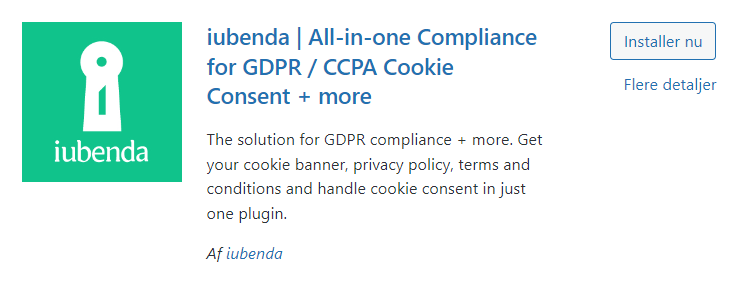
First you need to install the plugin that iubenda has created for WordPress, called "iubenda | All-in-one Compliance for GDPR / CCPA Cookie Consent + more". Then install it and activate it.
-
Once the plugin is installed you can access a new menu item in WordPress called "iubenda". Here you will be presented with a scanner that will scan your website before you can continue. When the scan is complete you can see a result showing what iubenda has found to be missing. To proceed, click "Help me get complient!".

-
After clicking "Help me get complient!" you have two options. Choose "I've already made the set up on iubenda.com", as you have already configured iubenda in the simply.com control panel.

-
Now you can choose to add your scripts to the iubenda plugin. Select one of the options such as "Privacy and Cookie Policy", then paste your script from iubenda into the field below.

-
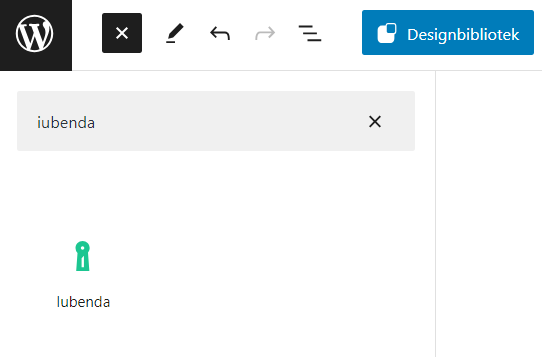
You are now ready to insert it on your website. You can find it as a Widget when editing your pages by searching for "iubenda" in the editor. You can also integrate it manually by using an HTML code that can be found on iubenda.
Article from the support category: iubenda
