How do I remove "Made with AI in Macaly AI"?
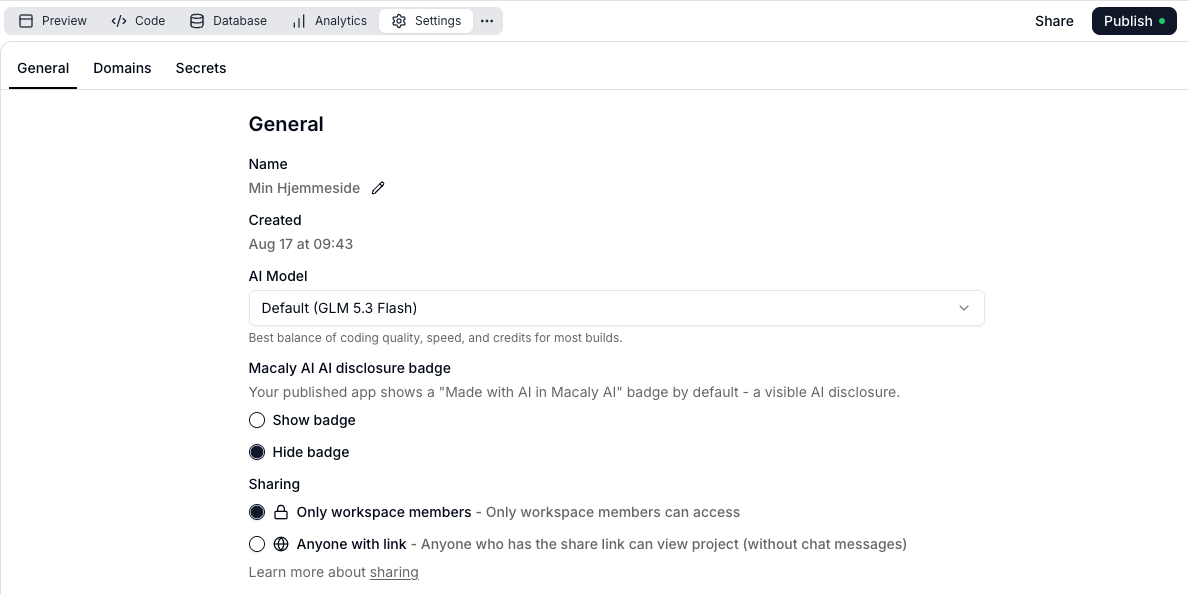
Go to project settings and select Hide badge to remove the Made with AI Macaly AI badge.

If you want to get rid of the button on your website, we’ll show you how to remove it.
To remove the “Made with AI in Macaly AI” badge that appears by default, go to the settings for your project. There, select “Hide badge” to turn it off.
Article from the support category: Macaly AI
