Setting up mail on Mac (macOS - automatic setup)
Use Simply's Apple setup to automatically configure your email on a Mac without manual server setup.
When you want to set up your e‑mail account on a Mac, you can make good use of our Apple setup.
The tool for Mac helps you automatically configure your mail, so you avoid manually setting up server settings.
- In the browser on your Mac, open the page https://www.simply.com/ios/ and enter the login details for your mail account.
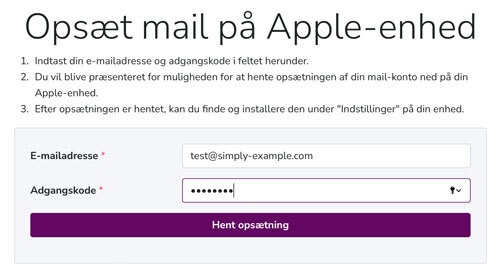
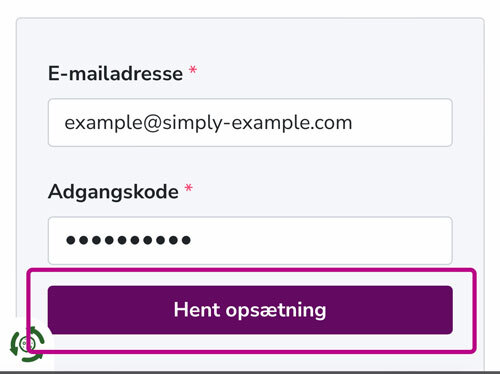
- Click “Download setup”
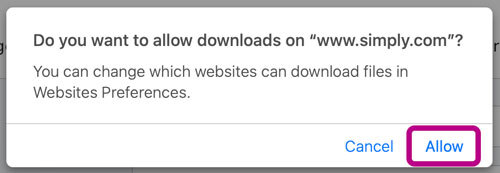
- Choose “Allow”
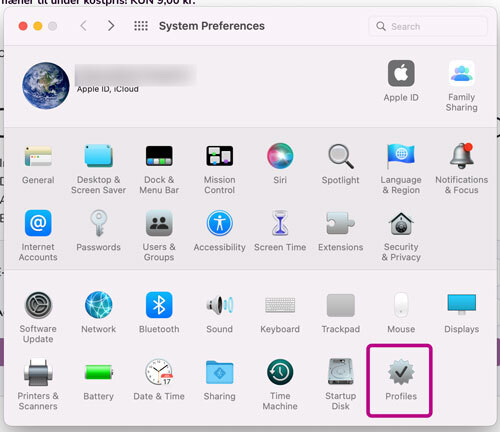
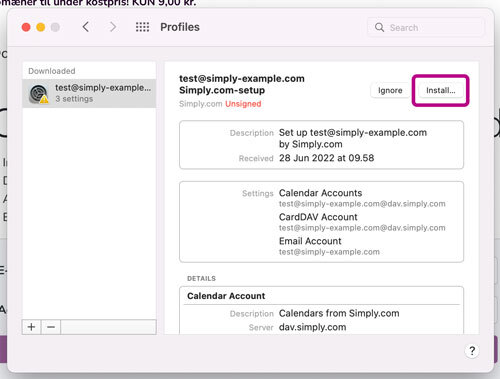
- Open the Settings on your Mac, and select “Profiles”
- Click “Install” and then “Continue”
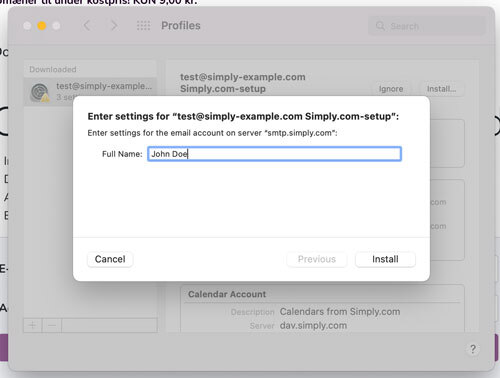
- Enter the name that will be displayed when others receive e‑mails from you. For example John Doe
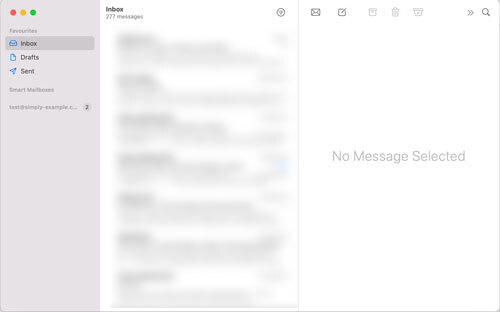
- There you go! You have now finished setting up your mail, you can find it in the Mail app on your Mac.
Article from the support category: Mail
