Can you have multiple languages?
Yes – with Pro‑suite you get two languages, and with Enterprise‑suite an unlimited number, which you add via the Language settings in the website designer.
It is possible to have multiple languages in the website designer, but you need to have our Pro Suite or Enterprise Suite.
-
With our Pro Suite you can have 2 language layers on the website.
-
With our Enterprise Suite you can have as many language layers as you wish.
You can add additional language layers in the website designer as follows:
-
Start by opening the website designer.
-
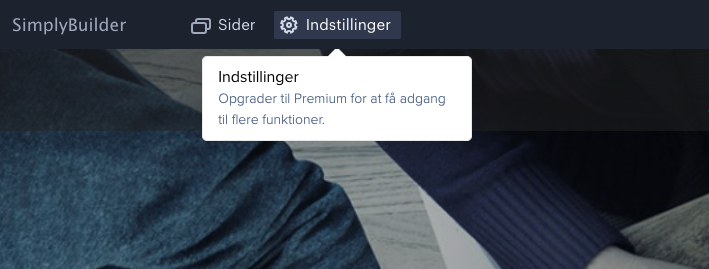
Click on Settings at the top left:
-
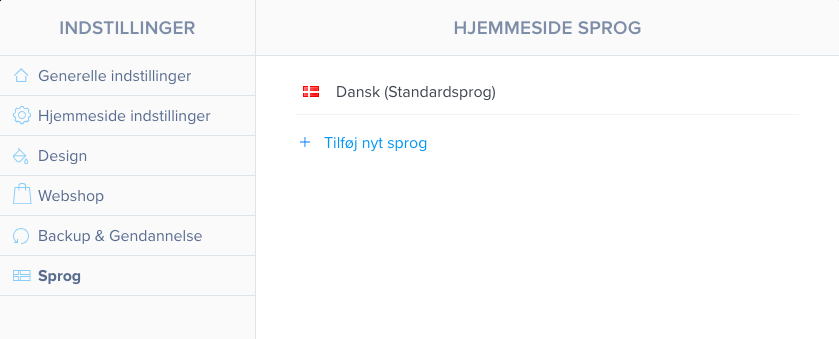
Go to the Language section:
-
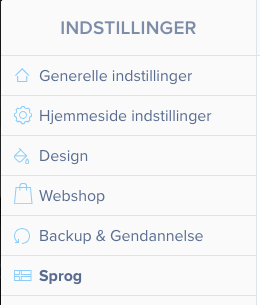
You can now add an extra language layer by clicking Add new language:
Article from the support category: Website designer
