Can you have a video background?
Yes, you can add a video background from YouTube, Vimeo, Facebook, TikTok or Instagram via the website designer's section settings.
It is possible to have a video background with the website designer, you can do this by using a video link from YouTube, Vimeo, Facebook, TikTok or Instagram.
You can add a video background to a section as follows:
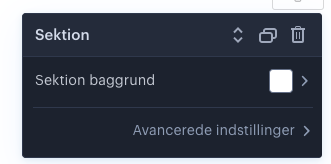
- Hover over the section you want to add a video background to and click the gear icon at the top right:

- Click here on Section background:
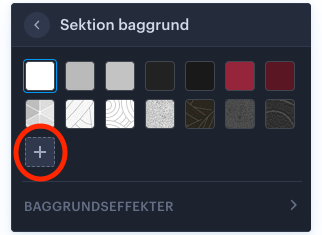
- Then click the plus icon:
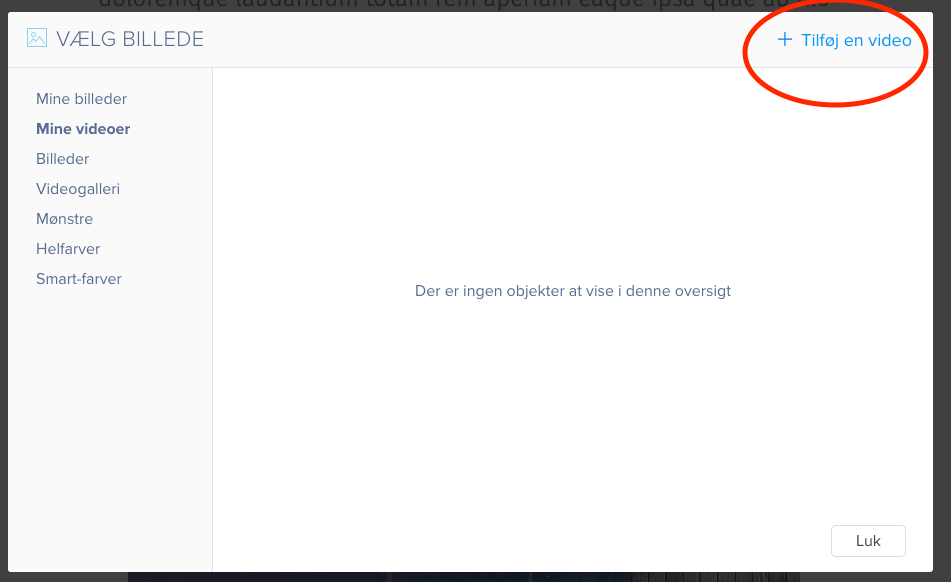
- Now click Add a video:
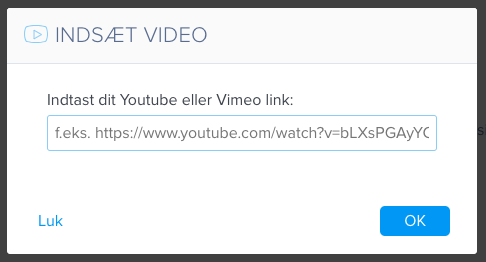
- You can now add your link to the video you want as a background.
Article from the support category: Website designer
