Hide page from visitors while the page is being developed
Hide pages from visitors by enabling member registration in the website designer's settings (requires Standard, Pro or Enterprise Suite).
It is possible to hide the page while it is being developed by enabling member registrations, which means you need a user with access to the page.
- However, we would like to point out that you must have a Standard Suite, Pro Suite or our Enterprise Suite to use this feature.
-
To enable member registrations, open the website designer in the control panel.
-
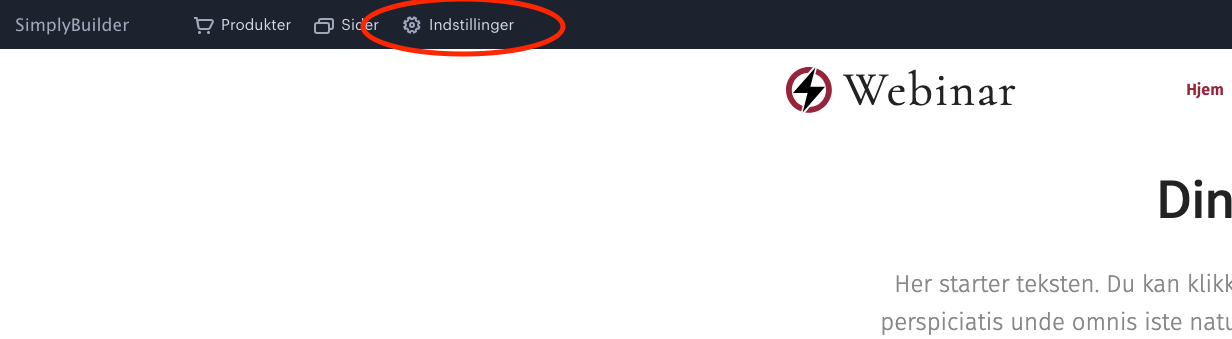
Once you have opened the website designer, click Settings at the top of the page:
-
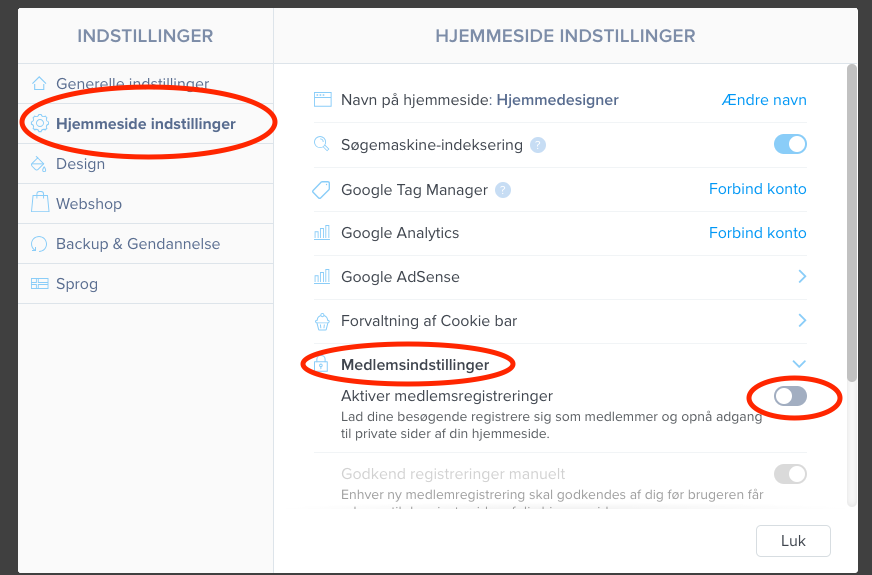
You should now select Website settings > Member settings and enable member registrations.
-
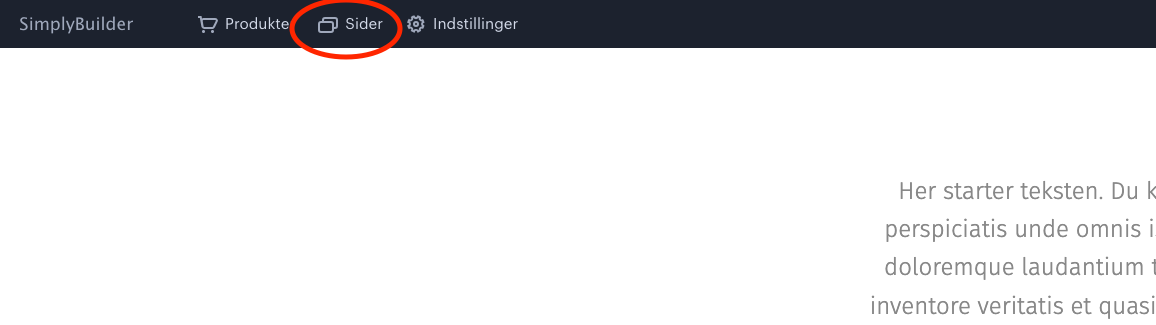
Once this is enabled, close the window, and then activate it for the pages you wish to hide from visitors. Click Pages in the top bar:
-
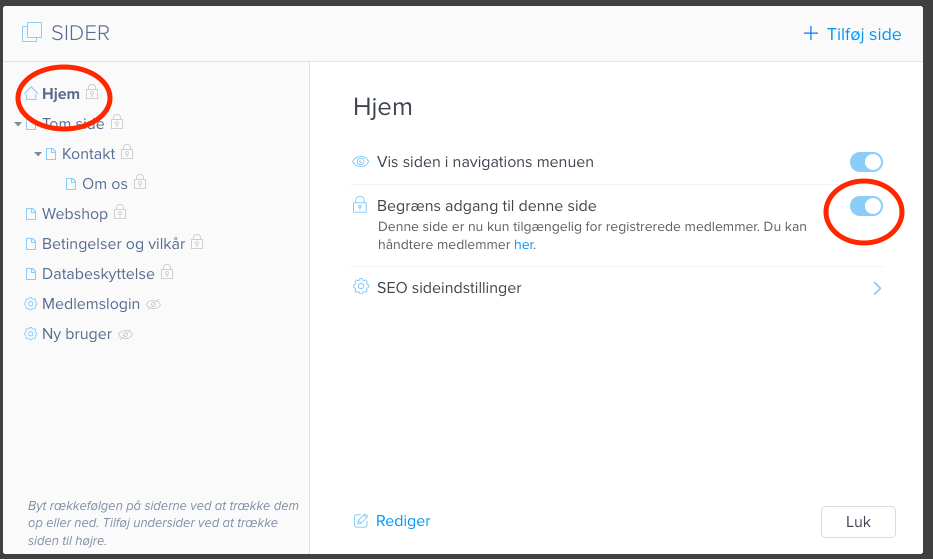
Now click the page you want to hide and enable “Restrict access to this page”.
-
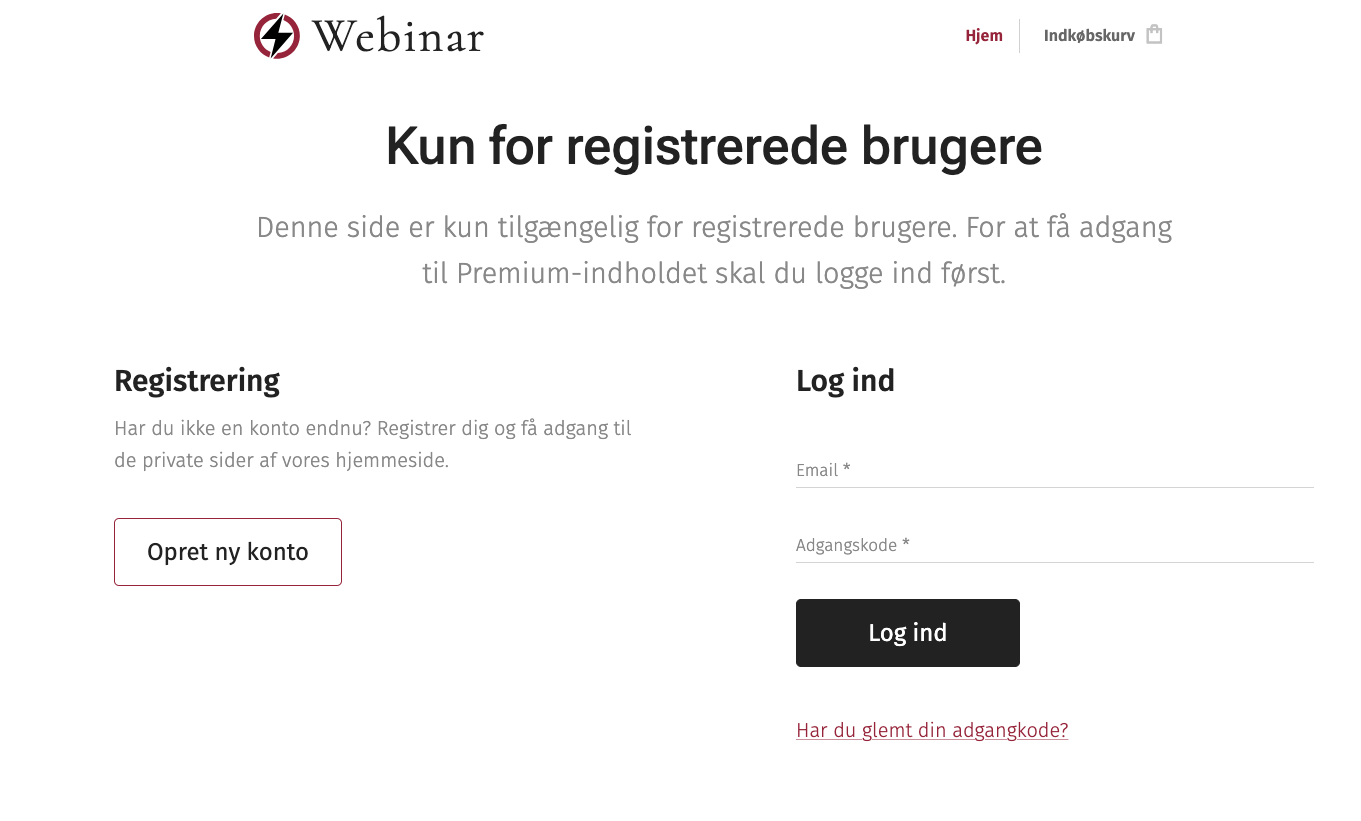
The page is now hidden from visitors:
Article from the support category: Website designer
