Section links
How to create a section link in the website designer so you can link directly to a specific page section from the menu.
Do you want to add a link to a specific section on your website? This can easily be created in the website designer.
To create a link to a specific section, for example on the homepage, follow these steps:
- Click Pages in the top bar.
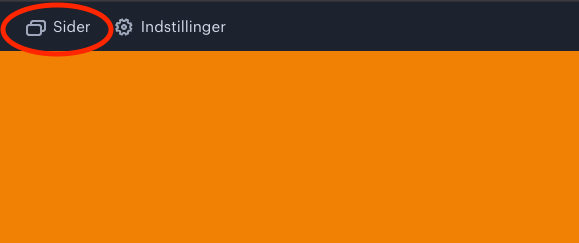
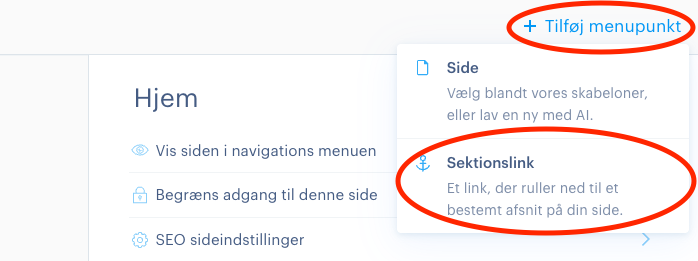
- Then click Add menu item and select Section link.
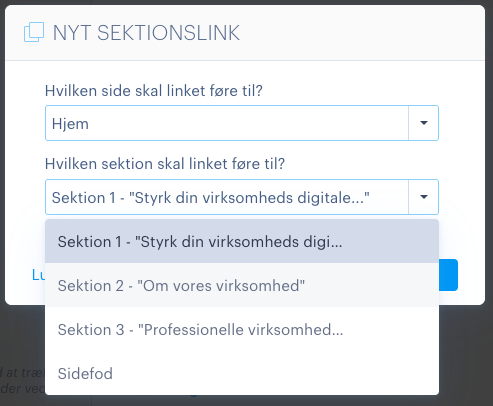
- A window will now open to create a new section link. Here you need to choose which page the link should point to, and which section on that page should be linked directly to.
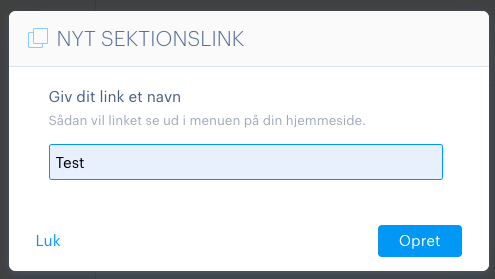
- Then give the link the name you want to appear in the menu and click Create.
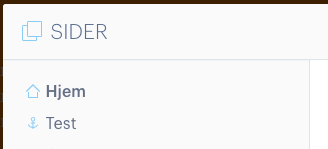
- Once you have made your selection, the section link will be displayed in the same way as a regular page. You can recognise it by the small anchor icon shown next to the link. The section link will also automatically appear in the website’s menu.
Article from the support category: Website designer
