iubenda - set up iubenda on the website builder
How to set up iubenda in the website builder: copy the script code and paste it under the header and footer in the website settings.
This guide assumes that you have already created a website designer and activated iubenda.
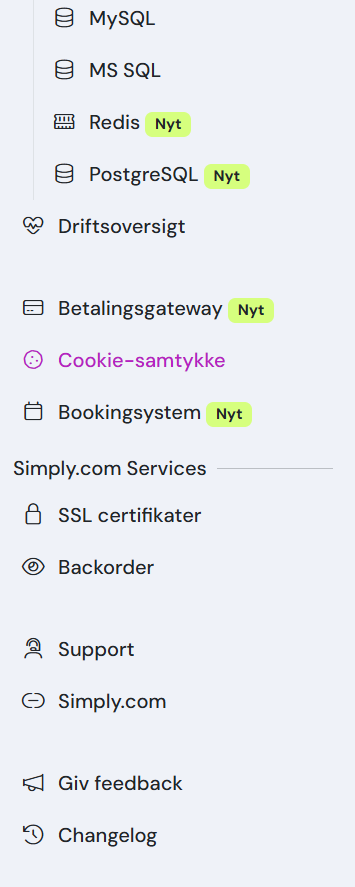
- Click on "Cookie consent" in the control panel.
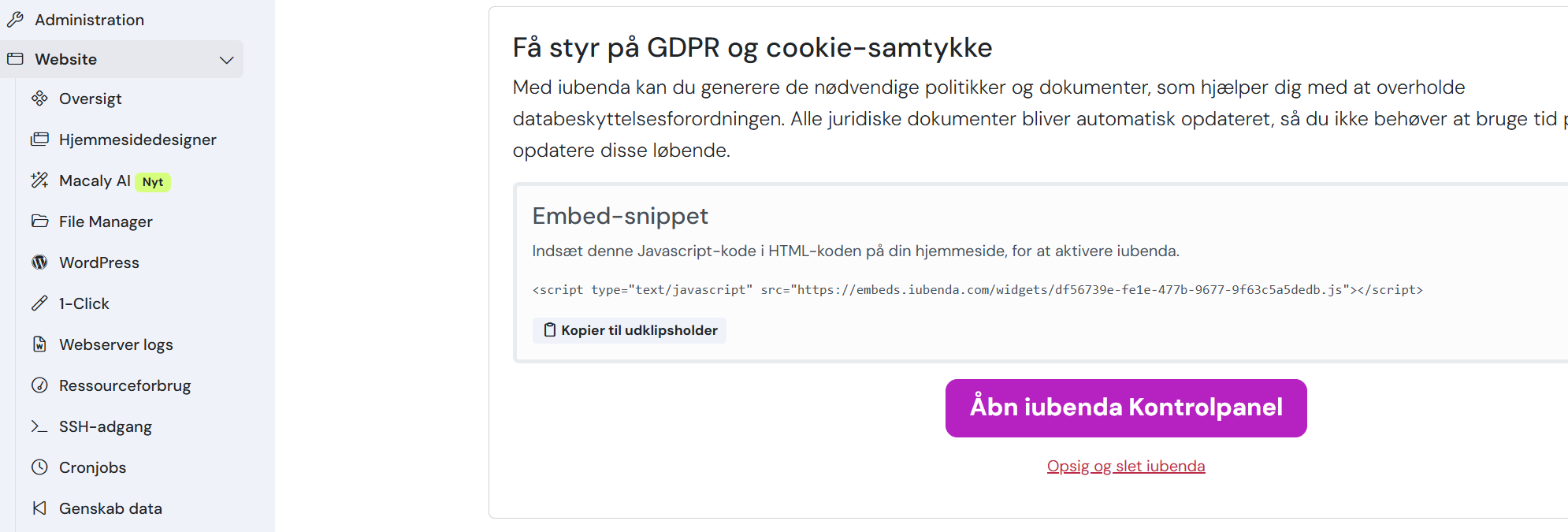
- Copy the entire code that starts with <script>
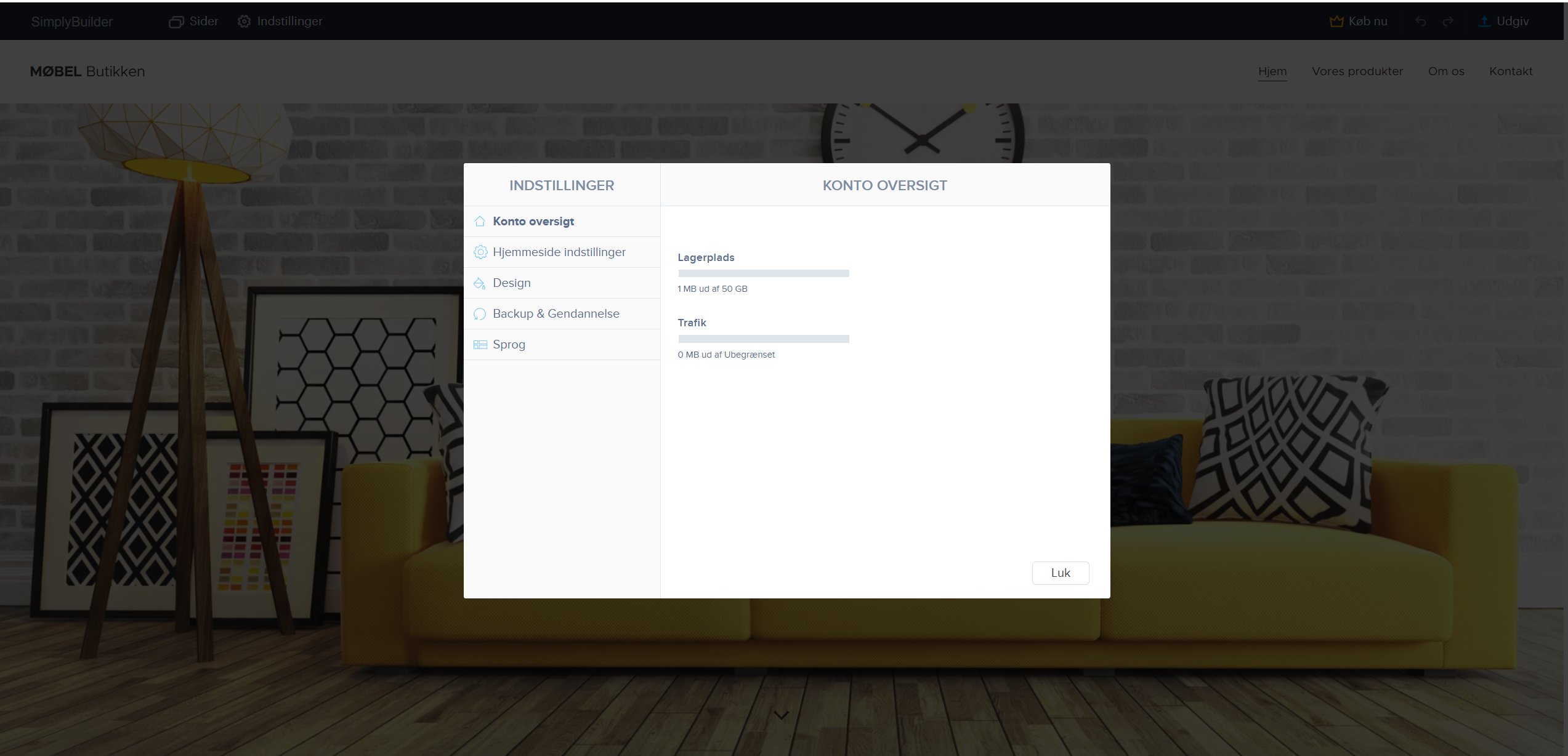
- Open the website designer and click on settings
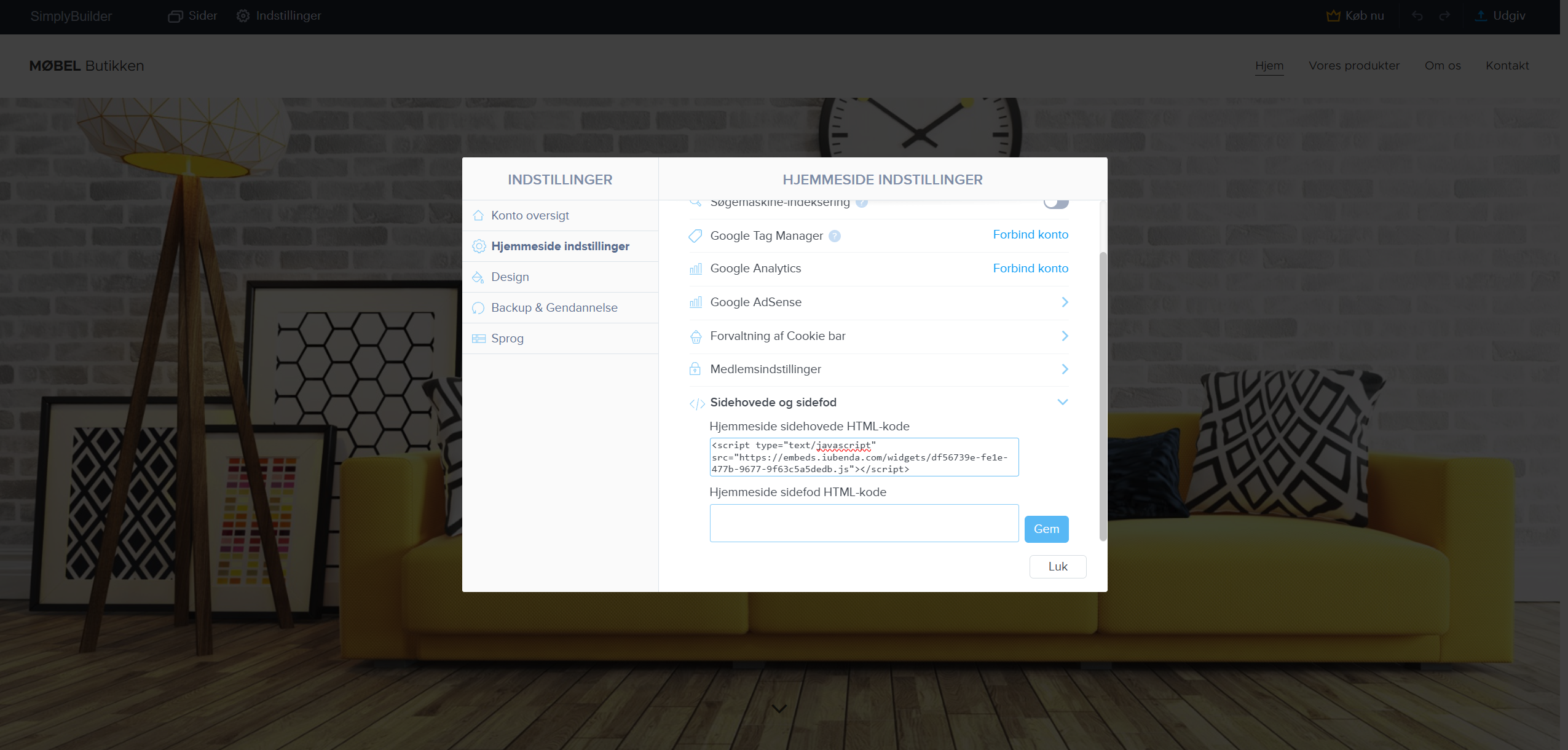
- Click on website settings and then click on header and footer and paste the code you copied earlier into the first field and click save, and then iubenda has been added to the website designer.
Article from the support category: Website designer
