Setting up mail on Android phone
How to configure your Simply.com email on an Android phone via IMAP/POP3
This guide assumes you have already set up your email account via the E‑Mail menu in our Control Panel.
Note that the user interface may vary depending on which phone you are using, but the information is the same.
-
Open the mail application
-
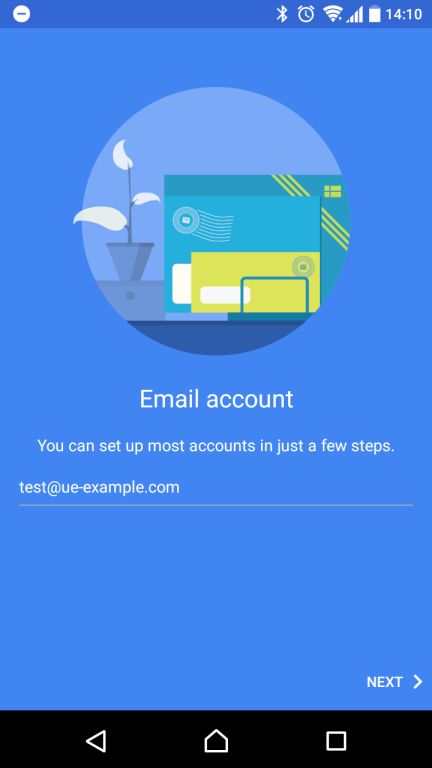
Enter the email address you want to set up.
-
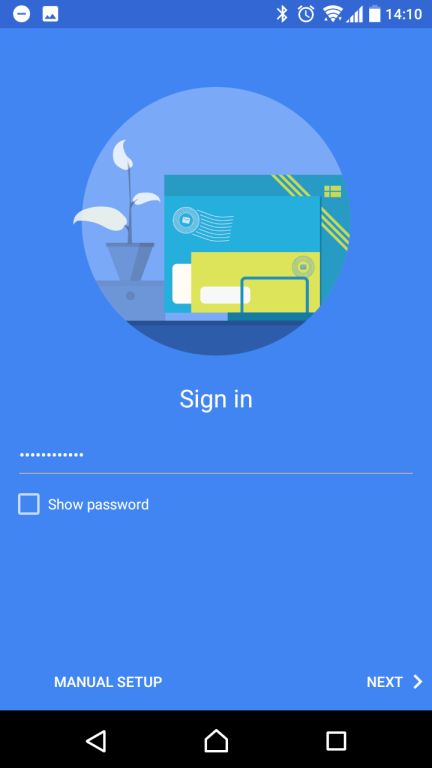
Enter the code for the email address. You chose this code when you created the email account in E‑Mail in our control panel.
-
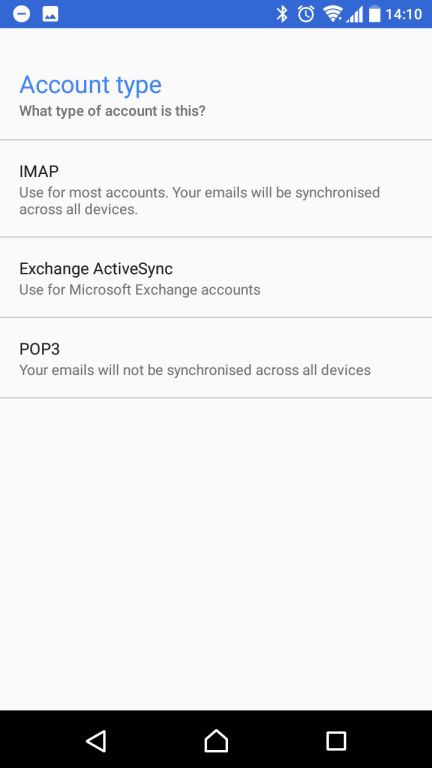
Choose either POP3 or IMAP. We recommend using IMAP.
-
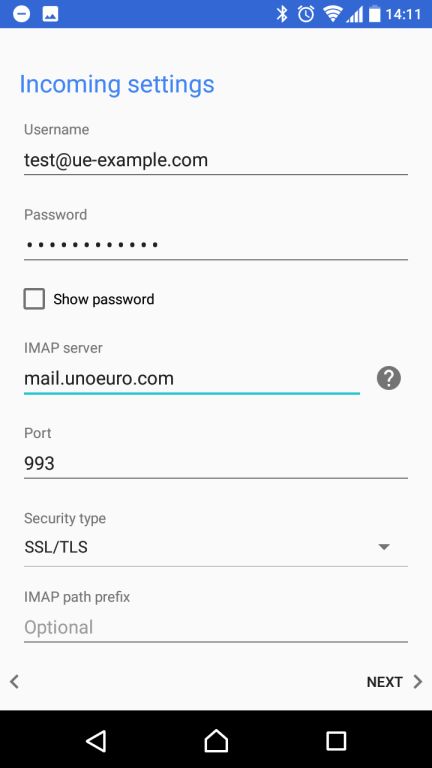
Enter the incoming mail server as
mail.simply.com.Important: The username is simply the full email address you are setting up.
-
Enter the outgoing server as
smtp.simply.com.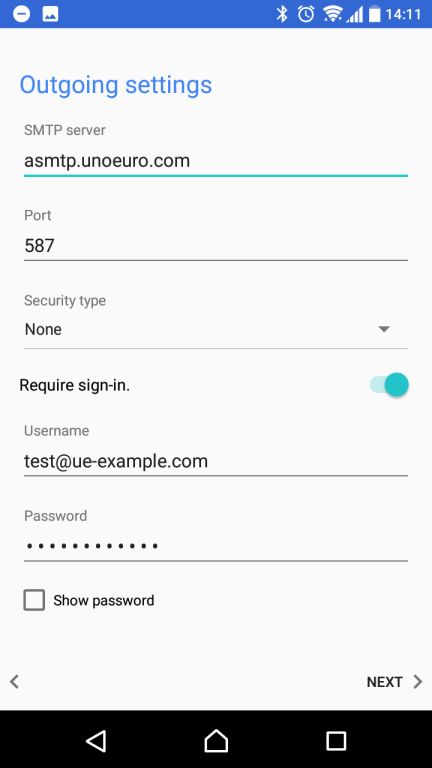
Article from the support category: Mail
