Email forwarding
You can set up email forwarding via our control panel:
https://www.simply.com/controlpanel/
Go to E‑mail > Domain settings > Forwardings.
Here you can create a forwarding for both existing and non‑existing mail accounts on the domain.
E‑mail address is the address you want all mail forwarded from.
Forward a copy to is the address you want mail forwarded to.
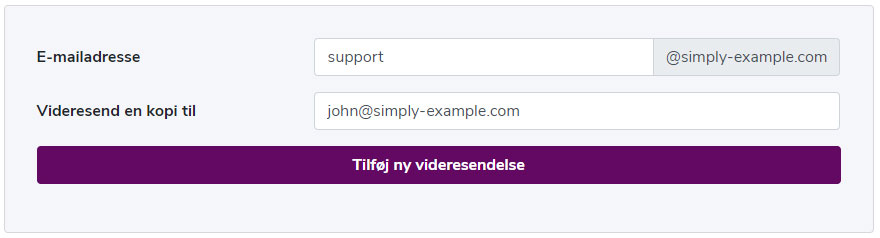
In the above example all mail sent to support@simply-example.com is forwarded to john@simply-example.com.
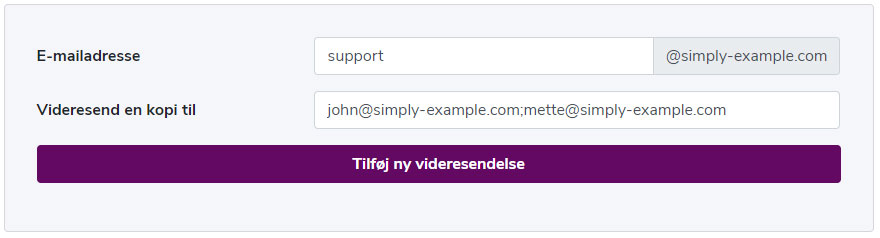
If you want to create a forwarding and at the same time add multiple recipient addresses in one go, you can do so by separating them with a semicolon.
Example:
Article from the support category: Mail
