Can you insert code such as HTML or Scripts in the Website Builder?
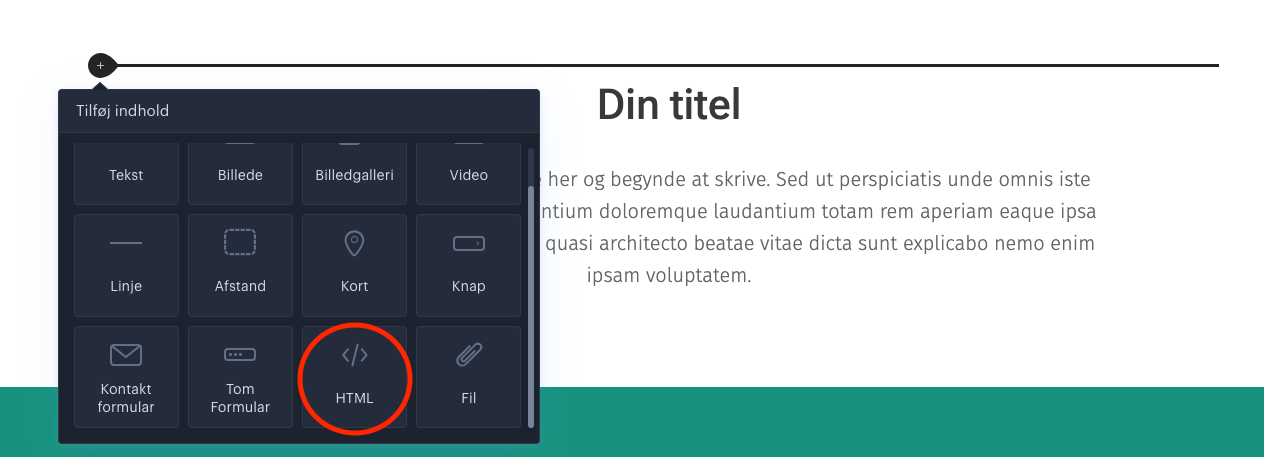
Yes, add an empty section, click the + icon and select the HTML field, then you can insert your code.
It is possible to insert code in the website designer if you add a new empty section, and then click the “+” icon to the left of the empty field to edit the field. By subsequently clicking the “+” icon, the option to select HTML as the field appears. In this field you can add your desired code.
Article from the support category: Website designer
