Insert files
How to insert a PDF file into the website designer so it can be downloaded on your site.
For inserting a file in the website designer you need to do the following:
-
Start by opening the website designer.

-
Then go to the page where you want to insert the file.
-
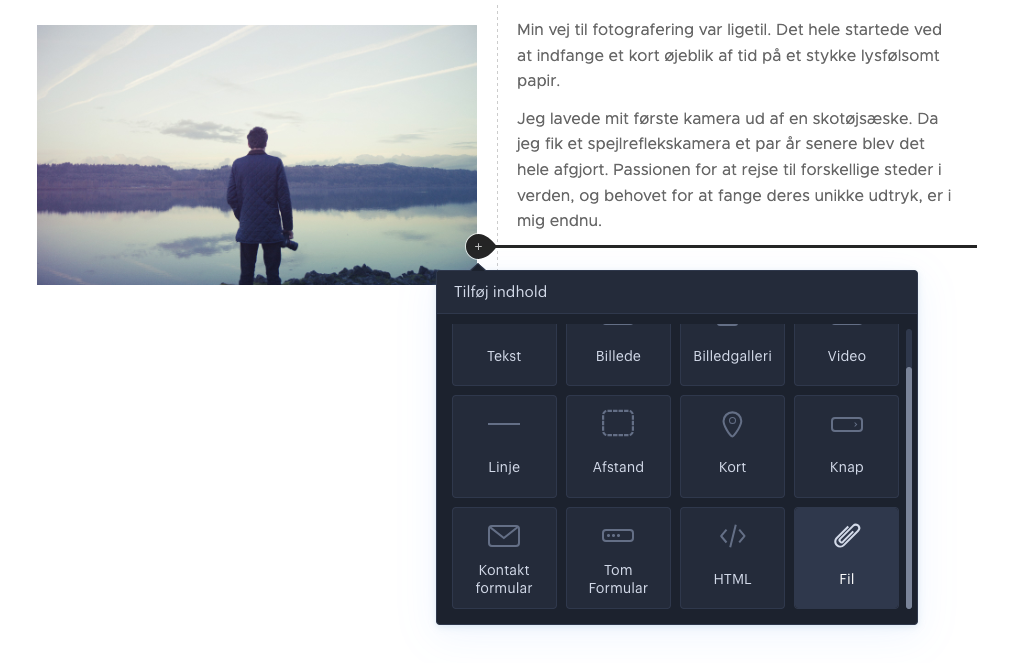
Hover over the field you want to insert the file into and click the plus icon as shown in the image.

-
You now need to select the element called file and then you can insert a PDF file.
-
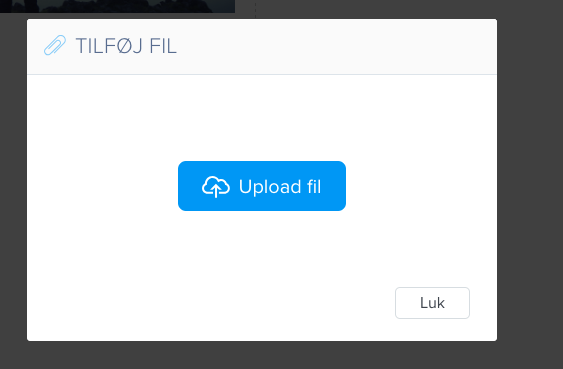
You have now added a PDF file that can be downloaded on the page.
Article from the support category: Website designer
