How does the website designer work with backup?
No automatic backup is performed – you must create and restore backups yourself in Settings → Backup & Restore, otherwise the site cannot be restored.
Automatic backups of your website created with the website designer are not taken, but you can manually save backups of your site so you can always restore it if you regret any of your changes.
Note, if you reset or delete/disable the website designer, the site cannot be restored. This also applies if the webhosting product is deleted or downgraded to a DNS service.
- To back up the site, go to Settings and select “Backup & Restore”.
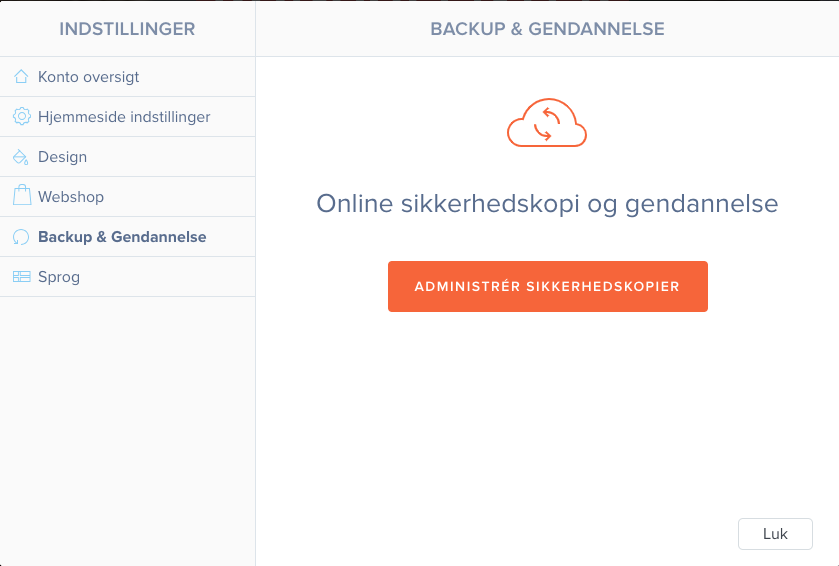
- Choose “Manage backups”, where you will see an overview of your backups.

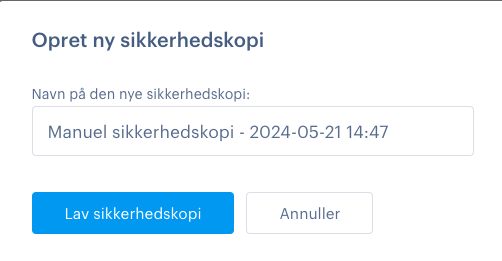
- To create a backup, select “Create new backup”.
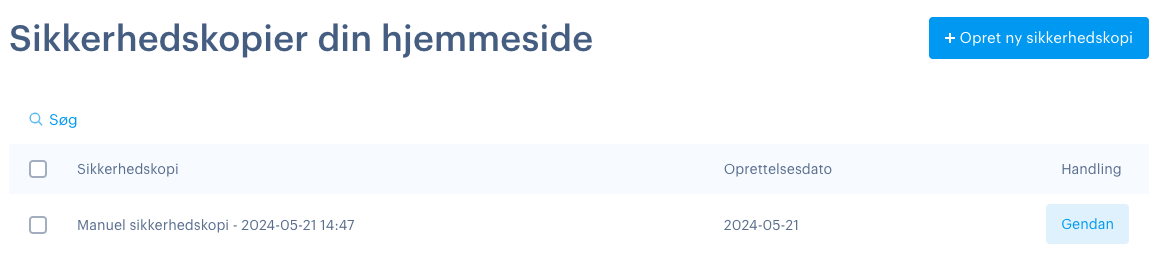
- You will then be able to view your backup and restore it directly from the page whenever you need it.
Article from the support category: Website designer
