Setting up WS FTP
How to configure WS FTP to upload files from your computer to your server
-
WS FTP opens.
-
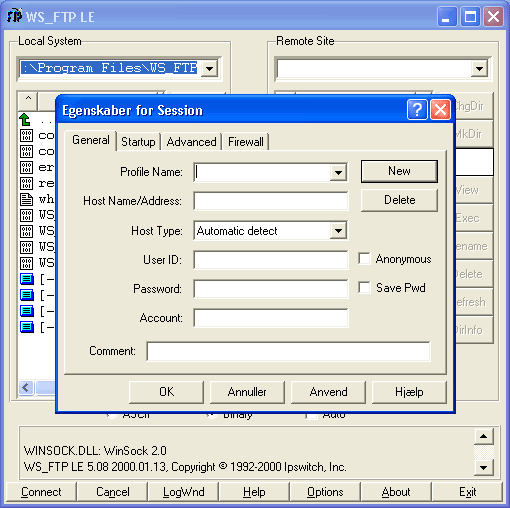
In the program select New.
-
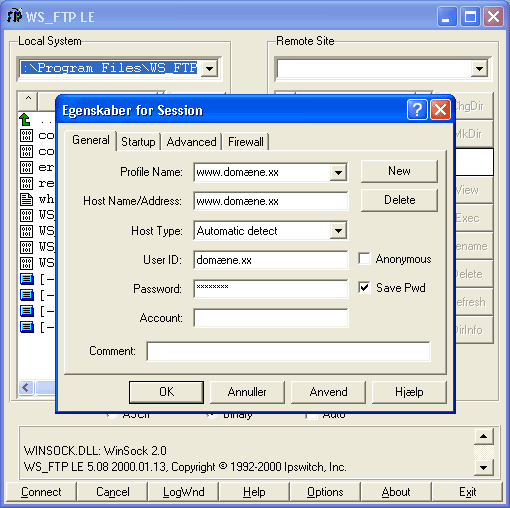
Fill in the following fields – replace the domain with the one you ordered.
-
After that you are ready to upload. The left side is your computer, while the right is the server. Upload files by double‑clicking.
Article from the support category: FTP
