Setting up RapidWeaver (macOS)
How to enter FTP details in RapidWeaver on macOS by pressing Command+K and using the data from your welcome email.
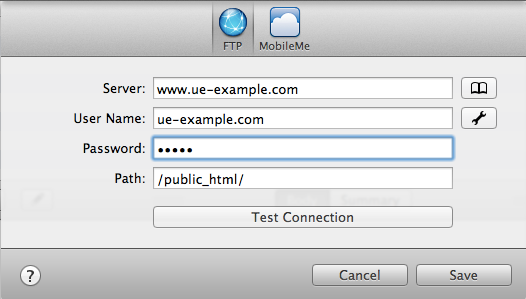
In RapidWeaver, press "Command+K" to bring up the window where you can enter your FTP details.
Fill in the fields with the values as indicated in your account creation email.
Article from the support category: FTP
